Chaos to clarity: Designing an atomic source of truth
Before this system, we used a mix of open-source components and one-off designs. The result was a patchwork of styles with no clear standard. Every new screen felt like starting from scratch, slowing us down and creating an inconsistent user experience.
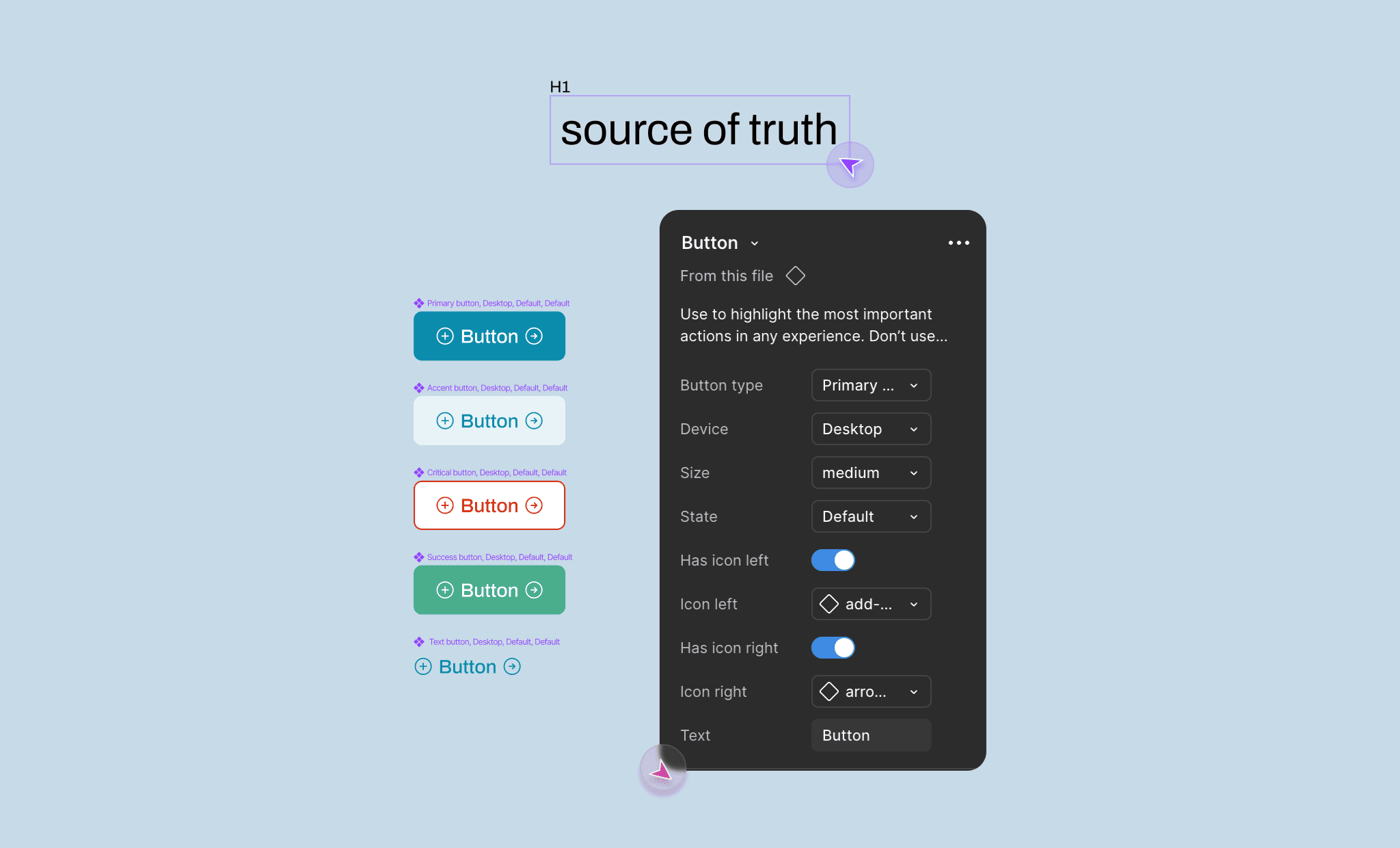
too long, won't read all of that
my Role(s)
I led the design system from start to finish.
Built the core components and variants
Structured everything using atomic design principles
Documented and maintained the file so others could easily use it
co-conspirators
three key Results we achieved
Team members had a single, trusted reference, which cut down on duplicate work, Slack messages, and one-off fixes.
The design system replaced scattered components with consistent, branded UI across the entire web application.
50% faster design-to-development handoff
growing through the chaos
Our setup was chaotic, but manageable when the design team was just two people. But when I joined, my first task was to create a system that could support a growing team.
We realized that if we were going to grow and work efficiently, we needed better systems. That’s what led to building our first proper design system.
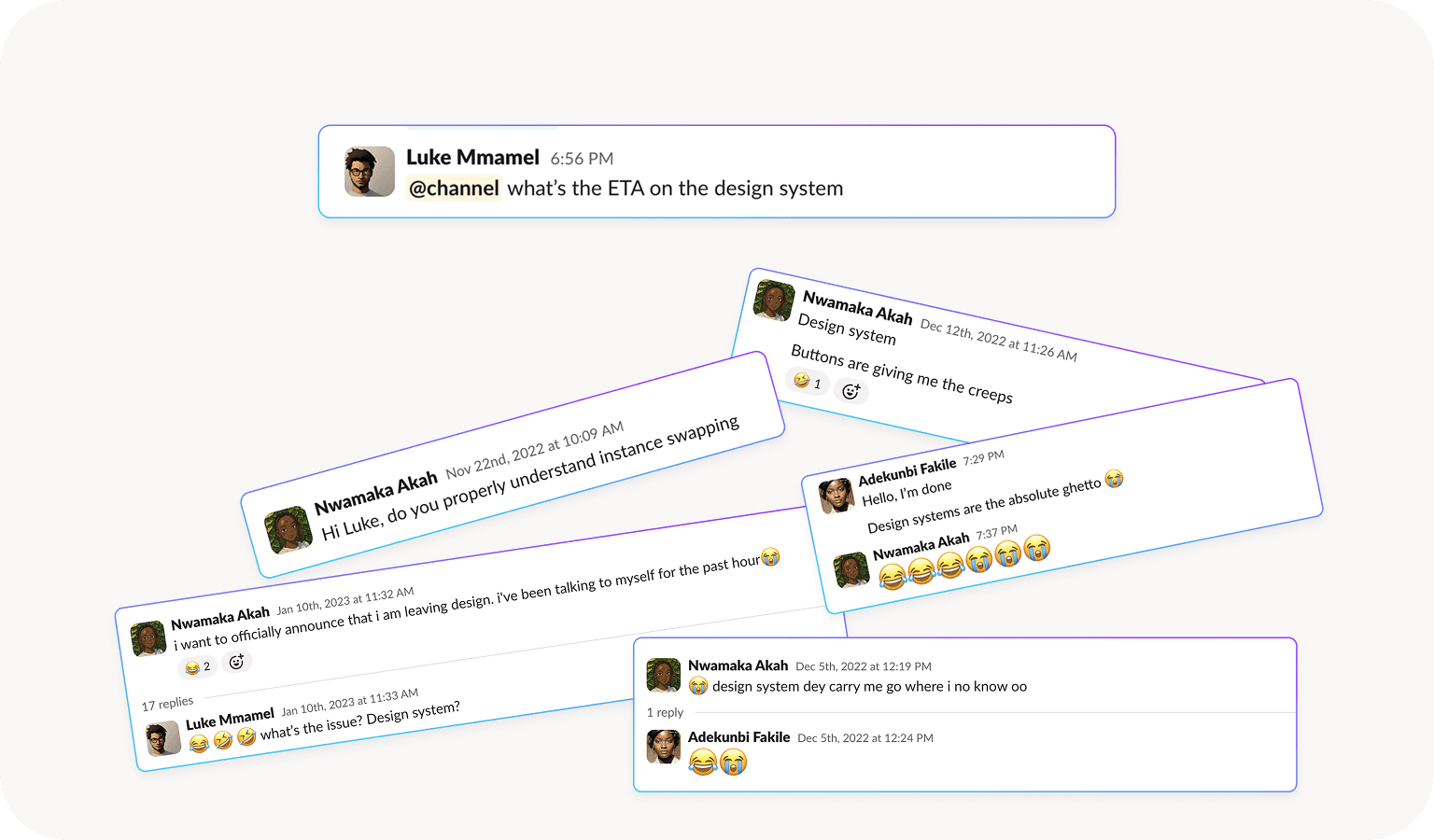
before building anything, we started by diving into dozens of open-source design systems, exploring files, reading documentation, and going down many rabbit holes.
After a lot of exploration, we narrowed our references down to two systems that really stood out: Polaris by Shopify and Untitled UI (the free version). They became the foundation we used to shape our own approach, not by copying, but by understanding the principles that made them work.
our Design philosophy
we applied a principle, which I have now come to know as the concept of atomic design. It is the idea of breaking components down into smaller, reusable pieces.
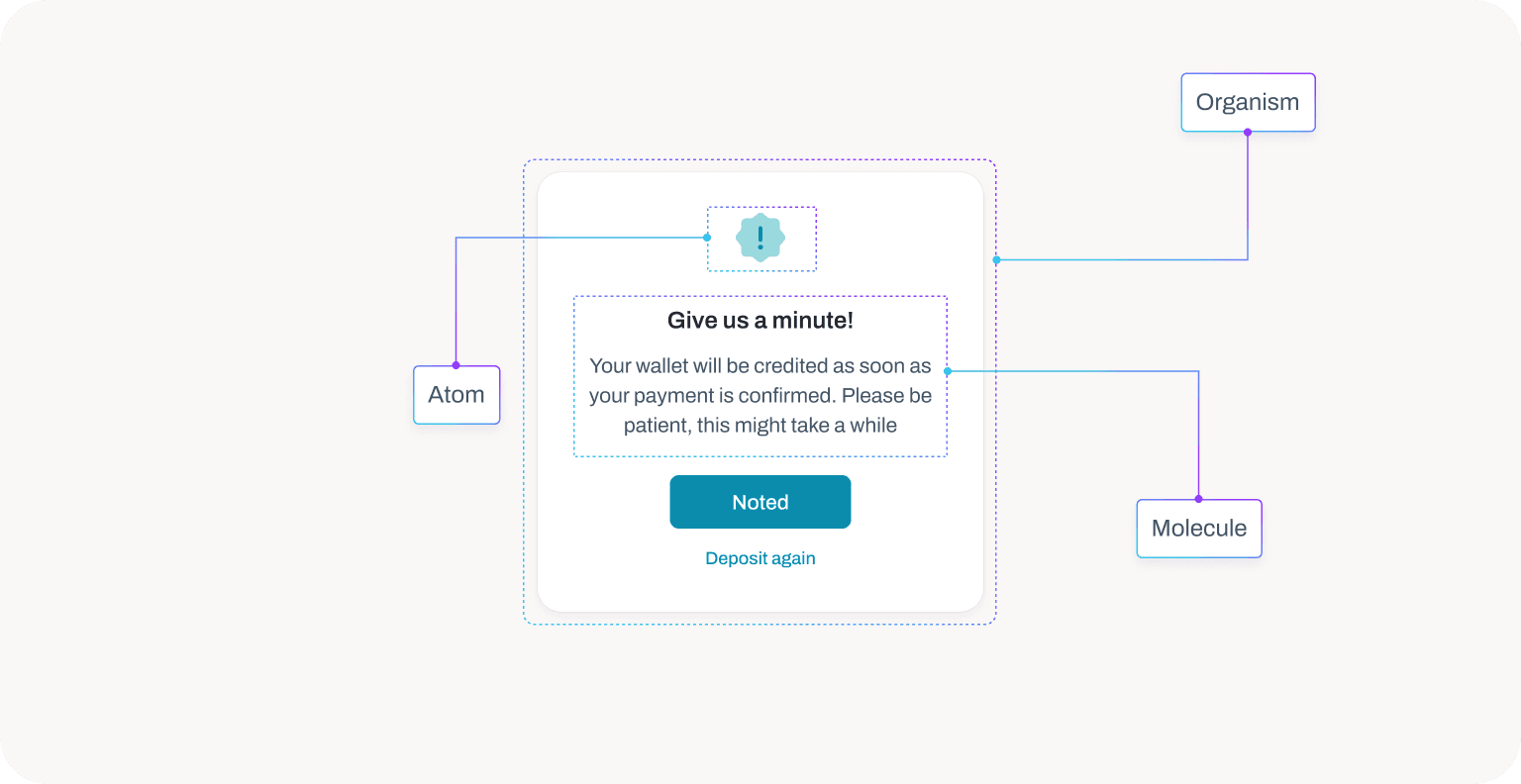
where a single component or element makes an atom, a collection of two or more elements make a molecule and a collection of two or more molecules make an organism.
Built for flexibility
We designed every component to be easy to use, adapt, and extend. Each part was intentionally made to be movable and switchable, so team members could build quickly without breaking structure.
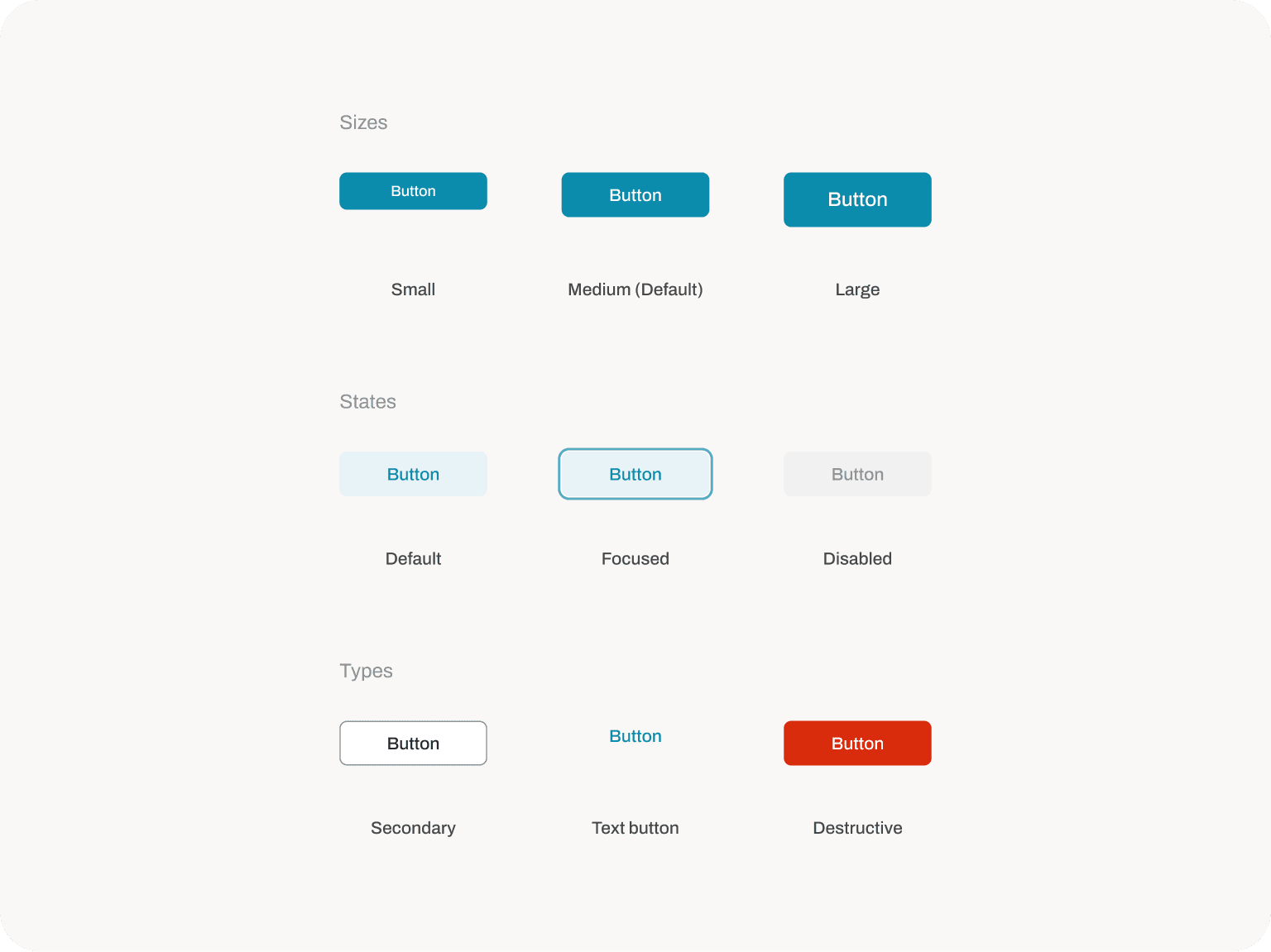
below is a quick demo of our button component in action:
Everything Had a Name… On Purpose
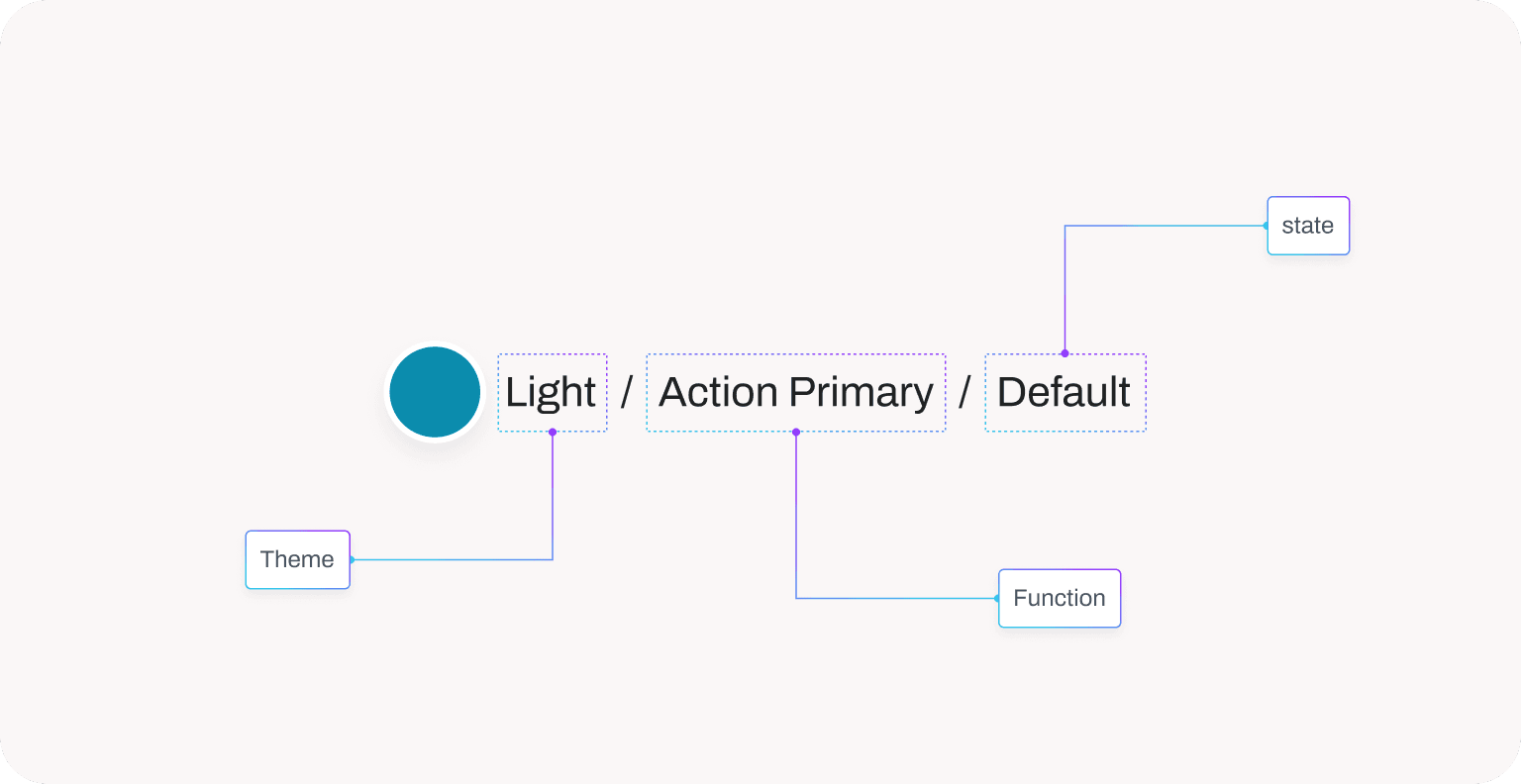
We followed a simple, self-explanatory naming convention for all components, styles, and variants. This made it easier for anyone, designers or developers, to quickly understand what a component was and how it behaved.
Our naming approach was heavily inspired by Shopify’s Polaris design system. We prioritized clarity over cleverness.
Prioritizing Options
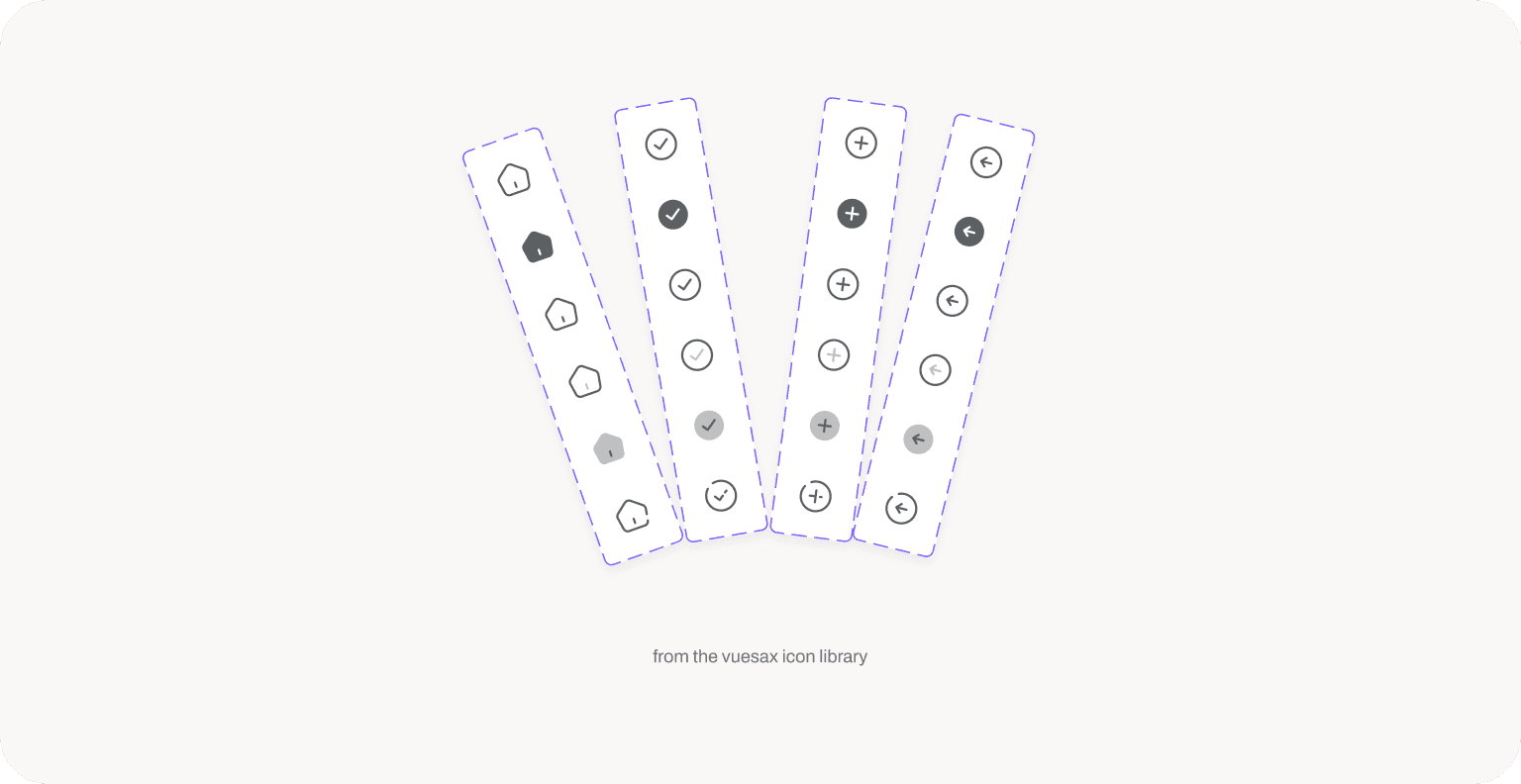
We didn’t just build components — we built variations. For every component, we designed multiple states, sizes, and styles to give the team the flexibility to adapt to different use cases without starting from scratch.

one major challenge - dark mode
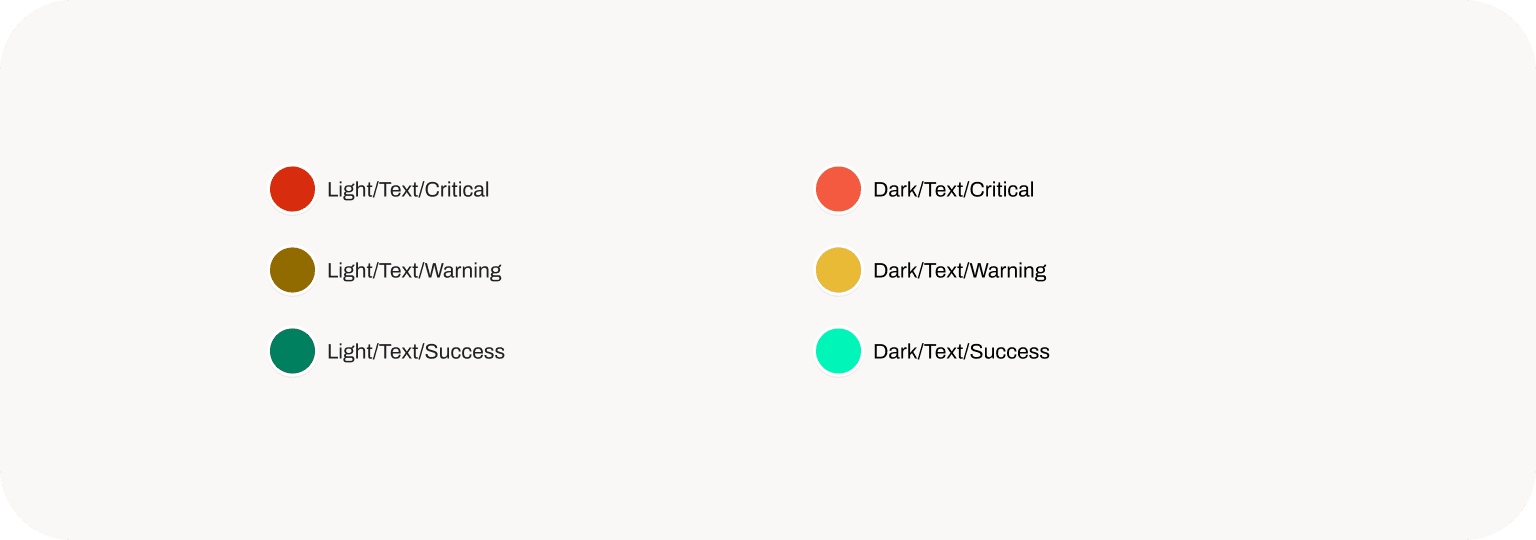
at the time, we built this design system, figma variables were not a thing, so we had to switch the colours out manually. But having the design system made it easy to match the colours properly.
Mistakes were made, battles were fought, and lessons were learned.
But we grew through it all and it turned out to be one of the most worthwhile experiences yet.
We can’t possibly show every component here, but these few examples highlight the thinking, structure, and documentation style behind the system. They reflect the logic and philosophy that guided us throughout the process.
Want to see its usage? Visit obiex.com
intentionally left blank
breathe.
i'm always open for a chat
whether it’s about building products that are intuitive, easy on the eyes, and full of personality… or just chatting about life, design, or literally anything at all.
Let’s talk. 👋🏽